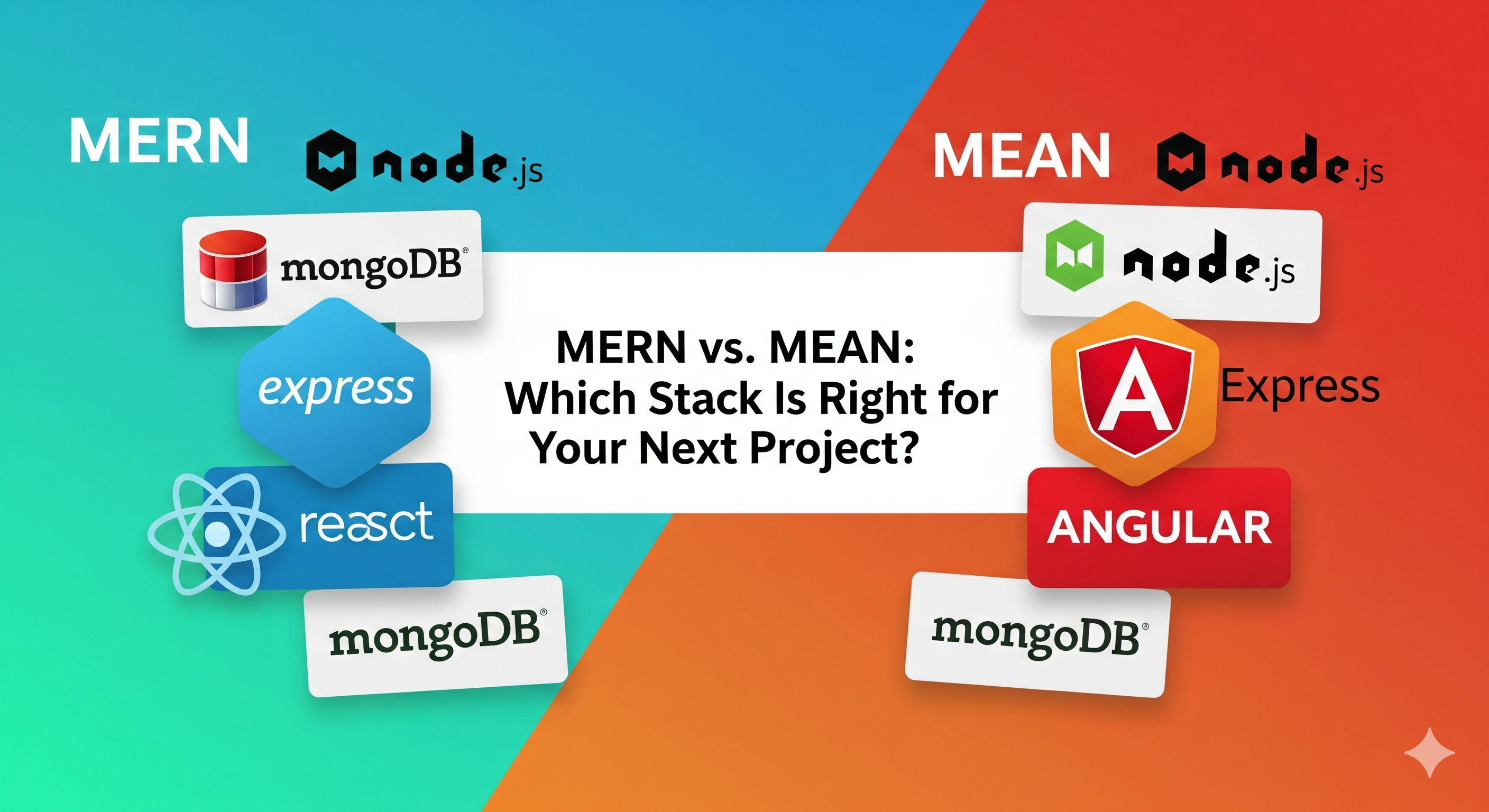
MERN vs. MEAN: A Practical Comparison for Modern Web Development
A practical comparison of MERN and MEAN, covering React vs Angular, architecture, TypeScript, state management, testing, performance, SEO, scalability, and project fit.
MERN vs. MEAN: A Practical Comparison for Modern Web Development
Choosing a technology stack is one of the first major decisions when starting a web application.
Two well-known JavaScript-based stacks are MERN and MEAN. Both use MongoDB, Express, and Node.js on the backend, but they use different frontend technologies:
- MERN uses React.
- MEAN uses Angular.
That difference has a significant effect on application architecture, developer experience, state management, testing, project organization, and the amount of tooling you need to choose.
This guide compares MERN and MEAN from a practical development perspective so you can understand the trade-offs and select the stack that fits your project's requirements and team's experience.
MERN and MEAN at a glance
MERN
MERN stands for:
MongoDB
    ↓
Express
    ↓
React
    ↓
Node.js
React is the frontend layer.
MEAN
MEAN stands for:
MongoDB
    ↓
Express
    ↓
Angular
    ↓
Node.js
Angular is the frontend layer.
The important difference
The backend is largely the same:
| Layer | MERN | MEAN |
|---|---|---|
| Database | MongoDB | MongoDB |
| Backend framework | Express | Express |
| Runtime | Node.js | Node.js |
| Frontend | React | Angular |
| Primary language | JavaScript / TypeScript | TypeScript |
Therefore, many of the biggest differences come from React vs Angular, rather than MongoDB, Express, or Node.js.
Quick comparison
| Area | MERN | MEAN |
|---|---|---|
| Frontend | React | Angular |
| Type | UI library | Full web framework |
| Default language | JavaScript or TypeScript | TypeScript |
| Architecture | Flexible | Convention-driven |
| Routing | Usually added separately | Built in |
| Forms | Libraries/patterns vary | Built-in forms support |
| HTTP client | fetch, Axios, or other libraries | Angular HTTP client |
| Dependency injection | Usually library-specific | Built into Angular |
| State management | Context, Redux Toolkit, Zustand, TanStack Query, etc. | Signals, services, RxJS, NgRx, etc. |
| Learning curve | Flexible, but requires ecosystem choices | More concepts initially, but more built-in structure |
| UI ecosystem | Very large | Large |
| Project structure | Developer/team decides | Strong framework conventions |
| Best fit | Flexible applications and custom UIs | Structured applications and larger teams |
Neither approach is universally better. The important question is which architecture matches your application and team.
React vs Angular
The biggest difference between MERN and MEAN is the frontend.
React
React is a library for building user interfaces.
A React project typically combines React with other tools for:
- routing;
- server-state management;
- global state;
- forms;
- validation;
- styling;
- API communication.
For example, a React application might use:
React
├─ React Router
├─ TanStack Query
├─ React Hook Form
├─ Zod
└─ Tailwind CSS
This flexibility is one of React's defining characteristics.
Angular
Angular is a full frontend framework.
It provides an integrated approach to many application concerns, including:
- routing;
- dependency injection;
- forms;
- HTTP communication;
- component architecture;
- testing patterns;
- build tooling;
- TypeScript-based development.
An Angular application therefore starts with more framework conventions already established.
1. Architecture and project structure
MERN
React gives developers significant freedom over application architecture.
A project might look like:
src/
├─ components/
├─ pages/
├─ hooks/
├─ services/
├─ features/
├─ utils/
└─ App.jsx
Another team might organize the same application differently.
This flexibility is useful, but teams need to establish their own conventions.
MEAN
Angular provides stronger conventions around application structure.
A typical Angular project might contain:
src/
├─ app/
│  ├─ components/
│  ├─ services/
│  ├─ pages/
│  ├─ guards/
│  └─ app.routes.ts
├─ assets/
└─ main.ts
The framework encourages a consistent architecture across the application.
Practical difference
| Situation | Common consideration |
|---|---|
| Small application | Either approach can work |
| Highly customized frontend | MERN provides considerable flexibility |
| Large team | Angular's conventions can reduce architectural variation |
| Multiple teams | Strong conventions can simplify collaboration |
| Rapid experimentation | React's ecosystem can make experimentation convenient |
2. TypeScript and developer experience
Both ecosystems support TypeScript.
MERN
React can be used with either JavaScript or TypeScript.
A React project can start with:
function Welcome({ name }: { name: string }) {
  return <h1>Hello, {name}!</h1>;
}
TypeScript is particularly useful as applications become larger and more complex.
MEAN
Angular uses TypeScript as a core part of its development model.
This means Angular projects naturally adopt concepts such as:
- interfaces;
- types;
- classes;
- decorators;
- generics;
- dependency injection.
For teams already comfortable with TypeScript, this can provide a consistent development model.
3. State management
Modern frontend applications often have several types of state.
For example:
Application state
├─ UI state
├─ Form state
├─ URL state
├─ Server state
└─ Shared client state
MERN
React doesn't force one state-management solution.
Common choices include:
useState;useReducer;- Context;
- Redux Toolkit;
- Zustand;
- TanStack Query for server state.
This gives teams flexibility, but it also means teams need to make architectural decisions.
MEAN
Angular applications can use:
- component state;
- services;
- Signals;
- RxJS;
- NgRx;
- other state-management libraries.
Angular's reactive programming model makes RxJS an important part of many Angular applications.
Important distinction
A server-state library and a client-state library solve different problems.
For example:
API data
   ↓
TanStack Query

UI/application state
   ↓
Redux Toolkit / Context / Zustand
Choosing the smallest appropriate state-management solution helps avoid unnecessary complexity.
4. Routing
React
Routing is usually provided by a separate library such as React Router.
Example:
import {
  BrowserRouter,
  Routes,
  Route
} from "react-router-dom";

function App() {
  return (
    <BrowserRouter>
      <Routes>
        <Route path="/" element={<Home />} />
        <Route path="/about" element={<About />} />
      </Routes>
    </BrowserRouter>
  );
}
Install it with:
npm install react-router-dom
Angular
Angular provides routing as part of its framework ecosystem.
A route configuration can look conceptually like:
const routes = [
  {
    path: "",
    component: HomeComponent
  },
  {
    path: "about",
    component: AboutComponent
  }
];
This is one example of the broader difference between the ecosystems:
React gives you choices. Angular gives you more built-in conventions.
5. Forms and validation
Forms are common in almost every business application.
React
React doesn't prescribe one form solution.
You can use:
- controlled inputs;
- React Hook Form;
- Formik;
- Zod;
- Yup;
- other validation libraries.
For example:
function LoginForm() {
  return (
    <form>
      <input
        type="email"
        name="email"
        placeholder="Email"
      />

      <input
        type="password"
        name="password"
        placeholder="Password"
      />

      <button type="submit">
        Login
      </button>
    </form>
  );
}
Angular
Angular provides established patterns for forms, including:
- template-driven forms;
- reactive forms;
- validation APIs.
This can be particularly useful for applications with large and complex forms.
6. Backend: Express + Node.js + MongoDB
One major advantage of comparing MERN and MEAN is that most of the backend can remain the same.
Both can use:
- Node.js for the runtime;
- Express for APIs;
- MongoDB for document storage;
- Mongoose when an ODM is appropriate;
- OpenAPI for API documentation;
- Docker for containerization;
- GitHub Actions for CI/CD;
- Sentry or other tools for error monitoring.
A typical backend can look like:
React / Angular
      ↓
HTTP API
      ↓
Express
      ↓
Node.js
      ↓
MongoDB
This means switching between MERN and MEAN does not necessarily require replacing the entire backend architecture.
The frontend is where most of the migration work occurs.
7. Developer tooling
Both stacks can use many of the same development tools.
| Category | Common tools |
|---|---|
| Editor | VS Code |
| Source control | Git + GitHub |
| API testing | Postman, Insomnia, curl |
| Database | MongoDB Compass, MongoDB Atlas |
| Containers | Docker |
| CI/CD | GitHub Actions |
| Error tracking | Sentry |
| Logging | Pino, Winston |
| Testing | Vitest, Jest, Playwright |
| Package manager | npm, pnpm, Yarn |
The difference is mainly in the frontend-specific tooling.
8. Testing
Testing is important regardless of the stack.
MERN testing
A React application can use tools such as:
- Vitest;
- Jest;
- React Testing Library;
- Playwright.
For the Express backend:
- Vitest or Jest;
- Supertest;
- database integration tests.
MEAN testing
Angular has an established testing ecosystem and can be tested with:
- Angular testing utilities;
- Jasmine;
- Karma in projects that still use it;
- Jest or Vitest where supported by the project setup;
- Playwright for end-to-end browser testing.
The exact testing stack should depend on the project's Angular/React version and chosen tooling rather than blindly following an old tutorial.
9. Performance and bundle size
Performance depends on much more than the frontend framework.
Important factors include:
- JavaScript bundle size;
- code splitting;
- lazy loading;
- image optimization;
- API latency;
- database queries;
- caching;
- rendering strategy;
- CDN usage;
- server infrastructure.
MERN
React applications can be kept relatively small by choosing only the libraries the application needs.
Modern bundlers such as Vite can perform production optimizations such as tree-shaking and code splitting.
MEAN
Angular provides an integrated build system with production optimizations and lazy-loading capabilities.
Angular applications can also be optimized significantly when routes and features are loaded only when required.
Important point
Don't choose a stack based solely on theoretical bundle size.
A poorly optimized application can be slow regardless of whether it uses React or Angular.
10. SEO and rendering strategies
Rendering strategy matters when building public-facing applications where search visibility or initial page performance is important.
React
A plain React SPA commonly uses client-side rendering.
For applications that need server rendering or static generation, React can be used with frameworks such as Next.js and other React frameworks.
This can provide capabilities such as:
- server-side rendering;
- static generation;
- metadata management;
- route-based rendering;
- server-side data fetching.
Angular
Angular supports server-side rendering through its modern Angular server-rendering tooling.
This allows applications to render content on the server before sending the initial HTML to the browser.
The important decision
Don't ask only:
"Is React or Angular better for SEO?"
Instead ask:
"What rendering strategy does this application need?"
For a public content-heavy website, server rendering or static generation may be useful. For an authenticated internal dashboard, traditional client-side rendering may be perfectly appropriate.
11. Reactive programming
One notable difference is the role of reactive programming.
React
React applications can use normal JavaScript patterns, Hooks, promises, and libraries for asynchronous operations.
For example:
const response = await fetch("/api/users");
const users = await response.json();
Libraries such as TanStack Query can provide more advanced server-state behavior.
Angular
Angular applications frequently use RxJS for asynchronous and reactive workflows.
For example:
users$ = this.http.get<User[]>("/api/users");
RxJS provides operators for composing asynchronous streams.
This is powerful for applications involving:
- real-time events;
- complex asynchronous workflows;
- event streams;
- WebSockets;
- reactive data transformations.
However, RxJS introduces concepts that beginners need time to learn.
12. Dependency injection
Dependency injection is another major architectural difference.
React
React itself does not provide an Angular-style dependency injection system.
Developers commonly use:
- props;
- Context;
- custom Hooks;
- module imports;
- dependency injection libraries when needed.
Angular
Angular has dependency injection built into the framework.
For example:
@Injectable({
  providedIn: "root"
})
export class UserService {
  // ...
}
A component can then receive the service through Angular's dependency injection system.
This can make large applications easier to structure around reusable services and dependencies.
13. When MERN may fit
MERN can be a practical choice when your project benefits from React's flexibility.
Examples include:
- highly customized user interfaces;
- dashboards;
- consumer-facing applications;
- interactive applications;
- startups and small development teams;
- projects where the frontend architecture is expected to evolve;
- applications already using the React ecosystem;
- teams comfortable choosing individual frontend libraries.
A common modern MERN workflow might look like:
React
  +
Vite
  +
React Router
  +
TanStack Query
  +
Node.js / Express
  +
MongoDB
You can add additional libraries only when the project needs them.
14. When MEAN may fit
MEAN can be a practical choice when a team values an integrated and convention-driven frontend framework.
Examples include:
- large enterprise applications;
- internal business systems;
- applications with complex forms;
- large teams working on the same frontend;
- projects where TypeScript is central to the development workflow;
- applications that benefit from Angular's built-in architecture;
- applications that make extensive use of RxJS and reactive patterns.
A typical MEAN architecture might look like:
Angular
  +
Angular Router
  +
Angular Forms
  +
RxJS
  +
Node.js / Express
  +
MongoDB
15. Maintainability and scalability
Neither MERN nor MEAN automatically makes an application scalable.
Scalability depends on architecture, code quality, infrastructure, database design, caching, observability, and team practices.
MERN considerations
React provides significant flexibility, but that means teams need to establish conventions.
Without good architecture, a large React codebase can accumulate:
- inconsistent patterns;
- duplicated logic;
- too many dependencies;
- unclear state ownership;
- inconsistent folder structures.
Useful practices include:
- feature-based organization;
- reusable components;
- clear state boundaries;
- TypeScript;
- linting;
- automated testing;
- documented conventions.
MEAN considerations
Angular provides more architectural conventions out of the box.
This can make it easier for large teams to agree on:
- component structure;
- services;
- routing;
- dependency injection;
- forms;
- application organization.
However, a highly structured framework still requires good architecture and engineering practices.
16. Migration and switching costs
Moving an existing application from MERN to MEAN, or the other way around, can require significant frontend work.
The backend can often remain mostly unchanged if the API contract is well designed.
For example:
Existing React frontend
          ↓
      REST API
          ↓
      Express
          ↓
       MongoDB
The React frontend could potentially be replaced with Angular while keeping the same API:
New Angular frontend
          ↓
      REST API
          ↓
      Express
          ↓
       MongoDB
This is one reason to keep frontend and backend responsibilities clearly separated.
A stable API contract reduces coupling between the two layers.
17. Decision checklist
Instead of choosing a stack based only on popularity, consider these questions:
| Question | Consider |
|---|---|
| Does the team already know React? | MERN may reduce onboarding |
| Does the team already know Angular? | MEAN may reduce onboarding |
| Do you want maximum frontend flexibility? | React provides more ecosystem choices |
| Do you want stronger framework conventions? | Angular provides more built-in structure |
| Is TypeScript central to the project? | Both support it; Angular uses it extensively |
| Are complex forms important? | Angular provides integrated form patterns |
| Does the application use reactive streams heavily? | Angular + RxJS may fit naturally |
| Do you need a highly customized UI? | Both can support this |
| Is the application very large? | Evaluate team structure and architectural requirements |
| Do you need SSR or static rendering? | Evaluate the rendering tools available in either ecosystem |
| Is rapid prototyping important? | Evaluate the team's existing skills and preferred workflow |
There is no universal answer. The project requirements and team's experience should drive the decision.
18. Example project pairings
These are examples rather than strict rules.
MERN examples
Social platform
      ↓
React + Node.js + Express + MongoDB
Interactive dashboard
      ↓
React + Vite + Node.js + MongoDB
Content application
      ↓
React framework + Node.js + MongoDB
MEAN examples
Enterprise administration system
      ↓
Angular + Node.js + Express + MongoDB
Large internal business application
      ↓
Angular + TypeScript + Node.js + MongoDB
Complex workflow application
      ↓
Angular + RxJS + Node.js + MongoDB
These are architecture examples, not requirements. Either stack can be adapted to many application types.
19. A practical comparison example
Imagine you're building a job portal.
The backend could be identical:
Express API
    ↓
Authentication
    ↓
Job APIs
    ↓
MongoDB
The frontend could then be implemented using either approach.
MERN
React
├─ JobSearch
├─ JobCard
├─ JobDetails
├─ ApplicationForm
└─ Dashboard
MEAN
Angular
├─ JobSearchComponent
├─ JobCardComponent
├─ JobDetailsComponent
├─ ApplicationFormComponent
└─ DashboardComponent
The business logic and API contracts can remain similar while the frontend architecture changes.
This demonstrates why the React-vs-Angular decision is the most important difference between the two stacks.
20. Common misconceptions
"MERN is JavaScript while MEAN is TypeScript"
Not exactly.
React supports both JavaScript and TypeScript, and Angular is strongly TypeScript-oriented.
The distinction is primarily React vs Angular, not JavaScript vs TypeScript.
"Angular is always slower than React"
Framework choice alone doesn't determine real-world application performance.
Rendering strategy, bundle size, network performance, database queries, caching, and application architecture all matter.
"React is only for small applications"
React can be used for applications ranging from small interfaces to very large production systems.
The architecture and engineering practices around React matter significantly.
"Angular is only for enterprise applications"
Angular can also be used for smaller applications.
Its structured architecture may simply provide more functionality and conventions than a small project requires.
"The backend is completely different"
MERN and MEAN share the same MongoDB, Express, and Node.js foundation.
The primary difference is the frontend layer.
21. How to choose a stack
A practical selection process can look like this:
Define requirements
       ↓
Evaluate team experience
       ↓
Determine application size
       ↓
Choose rendering strategy
       ↓
Evaluate frontend architecture
       ↓
Evaluate testing requirements
       ↓
Prototype critical features
       ↓
Choose the stack
Before making the final decision, build a small proof of concept around the hardest part of the application.
For example, if the project has a very complex workflow, prototype that workflow first.
If the project requires a highly interactive UI, prototype the most interactive screen.
This gives you more useful information than choosing based only on a feature checklist.
Final thoughts
MERN and MEAN share a large part of their backend technology stack, but they approach frontend development differently.
MERN combines MongoDB, Express, React, and Node.js and gives teams considerable freedom to choose the tools around React.
MEAN combines MongoDB, Express, Angular, and Node.js and provides a more integrated, convention-driven frontend framework.
The important differences are therefore not simply about performance. They include:
- frontend architecture;
- developer experience;
- TypeScript usage;
- state management;
- routing;
- forms;
- dependency injection;
- reactive programming;
- testing;
- project conventions;
- team experience.
The best choice is the one that fits the application requirements, existing team skills, desired architecture, and long-term maintenance strategy.
If you're unsure, build a small prototype of the most technically important part of your application with the candidate stack. The development experience you get from that prototype can be more useful than comparing framework feature lists alone.
Whichever stack you choose, focus on the fundamentals: clean architecture, secure APIs, good database design, testing, observability, accessibility, and maintainable code.
Those engineering practices matter far more than the name of the stack.
Found this helpful?
Follow me for more development insights and tutorials